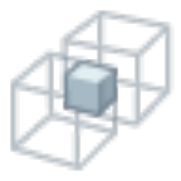
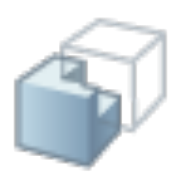
Surface Edit > Shell IntersectShell 相交Shell Intersect曲面编辑 · Surface Edit操作示意交集:只留重叠示意图 · Shell 交集:只留两壳重叠区。用途两 Shell 布尔:保留相交体积。所在位置Surface Edit palette。典型步骤1准备两块已缝合的 Shell。2启动 Shell Intersect。3检查结果壳体。主要选项Create History改输入后可更新。注意布尔前先 Shell Stitch。相关工具缝合 / 壳体缝合Stitch / Shell StitchShell 并集Shell UnionShell 差集Shell Subtract